Our readers keep the lights on and my morning glass full of iced black tea. As an Amazon Associate, I earn from qualifying purchases.7 Best Automatic Paper Folder | Skipping the Hand-Fold Cramp

Specs are compiled from manufacturer listings and verified buyer reviews and can change over time — please confirm the key details on the product page before buying.

If your mailings, bulletins, or invoices come in any real volume, the job you actually want gone is the folding. A good automatic paper folder turns a stack of flat 8.5 x 11 sheets into finished letter folds while you do something else. The Martin Yale 1501X takes the top spot: its manual bypass folds stapled sets of up to 3 sheets, and it runs five fold types.

I’m Mohammad Maruf — the founder and writer behind KitchPrep. This guide is built by comparing the manufacturers’ published specifications and the patterns across verified customer reviews, so you get each pick’s real strengths and trade-offs instead of marketing spin.

Every model below feeds and folds on its own, so the real choice depends on speed, feed capacity, and how fussy it is about paper. Weigh those three against your weekly page count and you can pick the right automatic paper folder without guessing.

Our Picks at a Glance
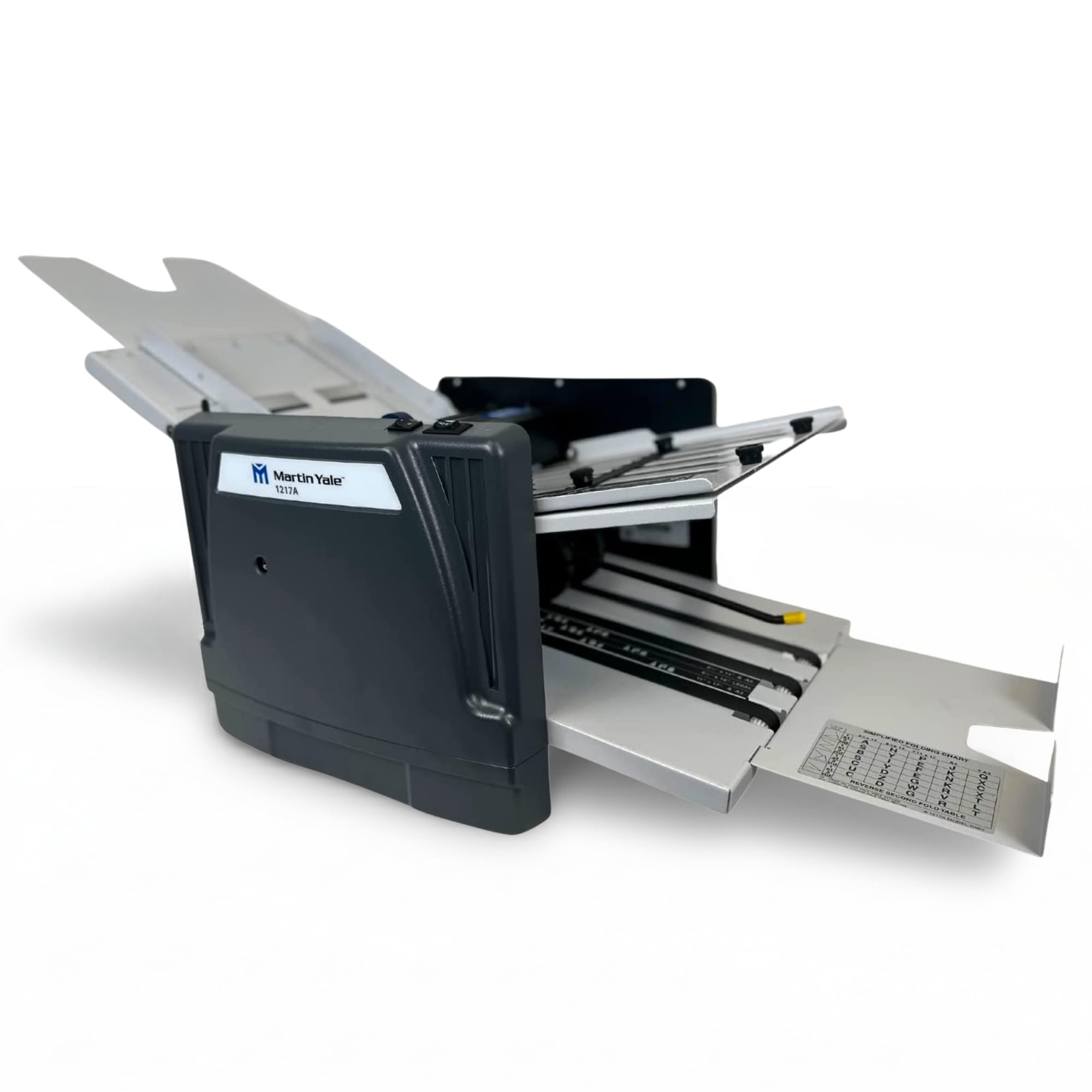
Martin Yale 1217A Automatic Paper Folder Machine
Best OverallMartin Yale 1217A Automatic Paper Folder Machine4.1★28 ratingsThe volume king for churches and schools that mail by the box. No other folder here folds faster: the 1217A runs up to 10,300 sheets per hour, the highest number in this group.Check Price on Amazon
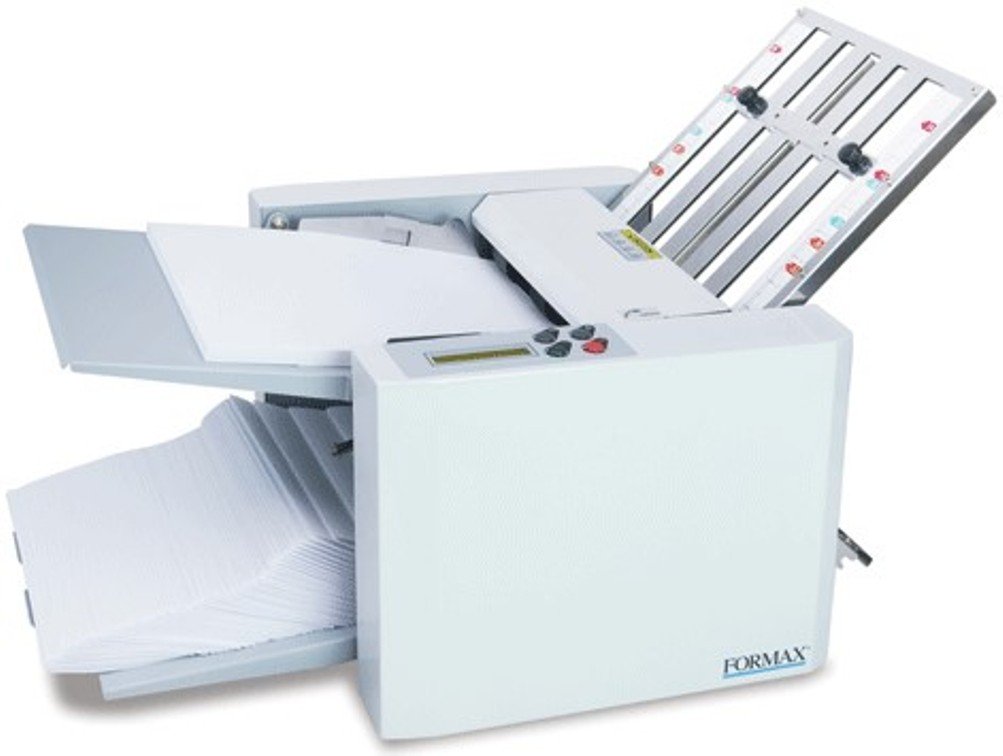
Formax FD 300 Desktop Document Folder
Best Output HandlingFormax FD 300 Desktop Document Folder4.1★56 ratingsThe folder that thinks about what happens after the paper is folded. The FD 300 earns its place with an output conveyor and adjustable stacker wheels, which keep finished documents neatly sequential as they land.Check Price on Amazon

How To Choose The Best Automatic Paper Folder

The mistake that ruins these purchases is buying by fold-type count. A folder that claims seven fold patterns but stalls every few hundred sheets is worse than a three-pattern machine that runs all day. Match three numbers to your real workload and you will be happy.

Sheets per hour is your throughput ceiling

This figure tells you how many finished folds the machine can produce in an hour of continuous running. A 1,800-sheet machine suits a couple of weekly mailings, while a 7,000-plus machine suits a daily print room. Multiply your weekly page count by how many hours you are willing to babysit the machine, then pick above that.

Feed capacity decides how often you reload

Feed tray capacity is measured in sheets — the number you can stack and walk away from. A set of 50 sheets means reloading every minute or two at top speed. A 250-sheet tray means you can load, press start, and go do other work. For anything over a few hundred pages a week, capacity is the spec you feel first.

Automatic feed versus manual feed

Automatic-feed folders pull each sheet from the stack themselves, so you load once and let it run. Manual-feed units need you to place sheets or stapled sets by hand. That is more hands-on, but it is the only realistic route if you must fold stapled booklets, since automatic feeders cannot handle staples.

Paper weight and fold accuracy

Paper weight is the stiffness of the stock, given in g/m² (grams per square meter — how heavy and thick the paper is) or in bond and index points (American paper-weight scales). Heavy cardstock mangles easily on folders built for regular 20lb bond, and glossy stock can slide sideways and skew a fold. The recurring complaint across this entire category is a fold that lands slightly off-center. Weight, straight feeding, and clean rollers matter more than claimed speed.

Quick Comparison

Model Best For Fold Speed (sheets/hr) Feed Capacity (sheets) Fold Types Amazon
Martin Yale 1217A★ Best Overall Church and school mailings 10,300 250 7 Amazon
Formax FD 300Best Output Handling Neat output stacking on big jobs 7,400 200 4 Amazon
IDEAL 8306 Compact A4 document runs 6,900 150 4 Amazon
Martin Yale P7500 Small mailrooms wanting auto feed 4,000 50 4 Amazon

In‑Depth Reviews

★ Best Overall

1. Martin Yale 1217A Automatic Paper Folder Machine

7 Fold Types250 Sheet Capacity

The volume king for churches and schools that mail by the box.

No other folder here folds faster: the 1217A runs up to 10,300 sheets per hour, the highest number in this group. If your folding happens in bursts — a monthly newsletter, a tuition mailing, a Sunday bulletin run — this is the one that keeps up. Its 250-sheet feed tray is also the largest capacity on this list, larger than the 200-sheet FD 300. Sheet sizes run from 4 x 4 inches up to 12 x 18 inches, so it shrugs off formats that would trip a small desktop unit.

The conveyor belt exit offers a second grip on your output than a simple catch tray. A manual bypass takes stapled or unstapled sets of up to five paper sheets — a document booklet job, essentially. Seven fold types cover the standard array from letter fold through to double-parallel, and the included folding chart points you at the right setup.

Owners are broadly happy with the folding accuracy. A common note is that glossy stock can slip during the fold and come out skewed — fixable if the skew is consistent, less so if it is random. The written instructions are the weak spot: setup itself goes smoothly once you understand the machine, but buyers report the manual leaves gaps that an exploded-view diagram fills. Heavier stock is the other ceiling; a 5 x 7 cardstock job is beyond what this folder wants.

Buy it for: its raw output — 10,300 sheets an hour puts a monthly mailing to bed in one sitting instead of an afternoon. The clean guides and clear folding chart make repeat runs easy to set up.

Accept this: it is a light-to-moderate-use machine dressed in a big frame, and glossy or heavy paper needs adjusting before it behaves.

Pick this one when: your folding load is heavy but infrequent, and you want it finished in one pass.

Consider something else if: you fold glossy stock or heavy cardstock as your everyday material.

Best Output Handling

2. Formax FD 300 Desktop Document Folder

LCD Control Panel3 Digit Counter

The folder that thinks about what happens after the paper is folded.

The FD 300 earns its place with an output conveyor and adjustable stacker wheels, which keep finished documents neatly sequential as they land. Your mail merge order survives the fold instead of scrambling — worth a serious look if you are mailing anything matched to a name. That is the difference from the 1501X, whose catch trays let sheets land loose.

It handles up to 7,400 folded sheets per hour, essentially level with the 1501X at 7,500. Its drop-in top-feed system takes up to 200 sheets of 20# paper (20-pound bond — standard office paper) with no fanning. Square the stack and load it. Paper range runs from 4 x 5 inches up to 8.5 x 14 inches, and weights up to 30# (112gsm — grams per square meter, a metric paper-weight measure). That covers larger formats than the compact IDEAL 8306, which tops out at A4 (210 x 297 mm, the standard European letter size).

The LCD (liquid crystal display — a small text screen) panel carries a 3-digit resettable counter and an AutoBatch function that processes a set number of sheets then pauses. That is handy when you want to divide one big run into bundles. Four fold types — C, Z, V, and Double Parallel — switch quickly using pre-marked guides. Jamming is the known soft spot, though owners generally treat it as an easy pull-out rather than a halt.

Build honesty: the housing is largely metal, and owners describe it as commercial-feeling next to the older machines it replaces. The paper path is where the friction shows up — a fresh unit can pull several sheets at once early on, and clearing it usually solves it.

Worth it for: anyone folding sequenced mail, where the conveyor’s neat stacking saves you from re-sorting by hand.

Think twice for: a run that folds a handful of pages at a time — the setup is more machine than that job needs.

Premium Pick

3. Martin Yale 1611 Ease-of-Use AutoFolder
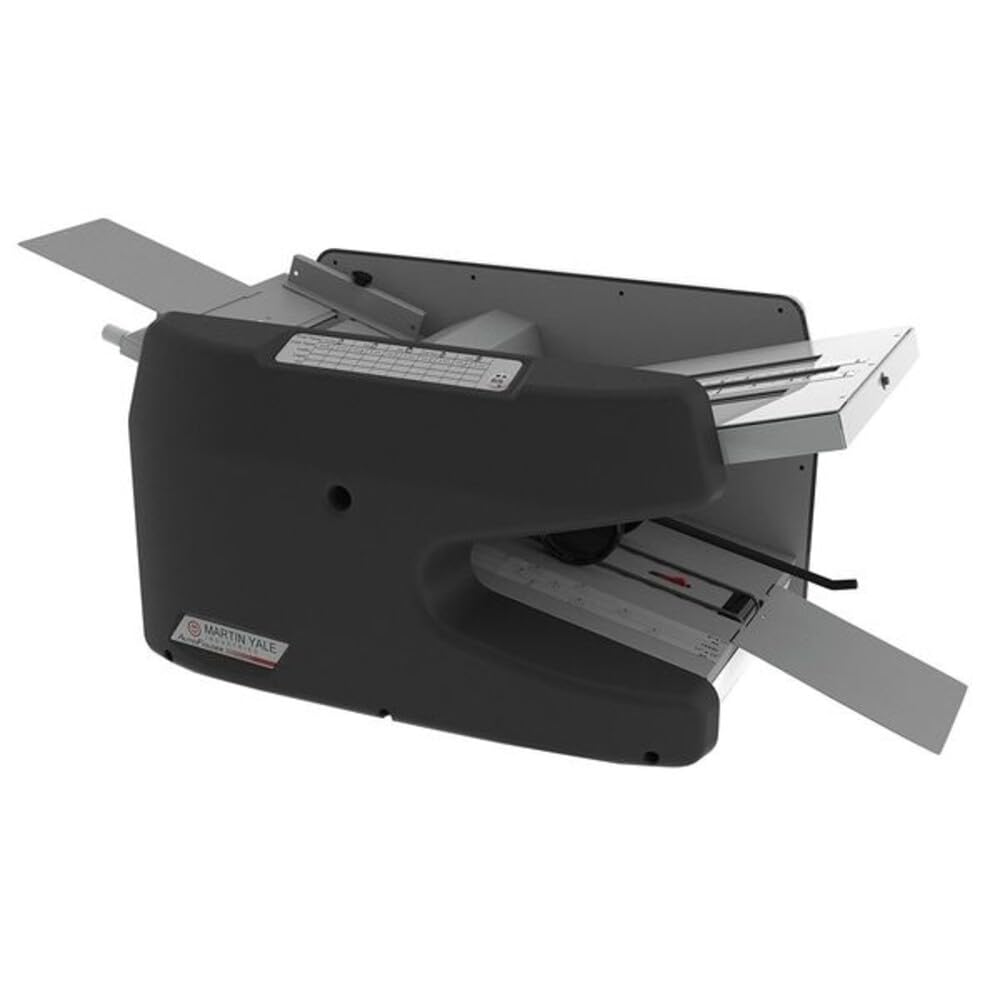
Self-Adjusting RetarderRemovable Fold Tables

Built for the desk that folds five different paper weights in a week.

Paper range, not speed, is the reason the 1611 is here. It takes sheets from 3.5 x 5 inches up to 8.5 x 14 inches, and weights from 16lb bond (light 16-pound paper) through to 70lb index (stiff 70-pound card-like stock). That spread is wider than the FD 300’s 30# ceiling and the IDEAL 8306’s 115 g/m² top end. If your jobs shift between thin invoice stock and stiff index, that flexibility is what you are paying for.

The convenience features back it up. The retarder (a roller that holds back extra sheets so only one feeds at a time) is self-adjusting, which means no fanning the paper before loading. Fold tables lift out for access to the rollers, the stacking wheels have been improved over earlier models, and the paper guides center the stack themselves. Owners describe the setup as quick — owners mention one had it working within minutes of opening the box, and the color-coded fold directions make the daily switch easy.

The catch is jamming on the last few sheets of a stack, particularly when tri-folding regular 20lb paper. Longer-term owners also flag that the fold accuracy can drift over a year or so of use, and that replacing the tension lever or finding the right hex wrench is not straightforward. It is a genuine workhorse for a small office, provided you are willing to keep the rollers clean and the tension checked.

What it does best: adapting to varied paper without a full setup each time, thanks to the self-adjusting retarder and removable fold tables.

The honest trade-off: it is a premium machine with a maintenance streak — treat roller cleaning and tension as routine, not optional.

Best suited to: a mixed-material office doing tri-folds, half-folds, and stapled sets under one roof.

Less ideal for: a single-task operator who folds one size of paper and wants to set it and leave it.

Compact Pick

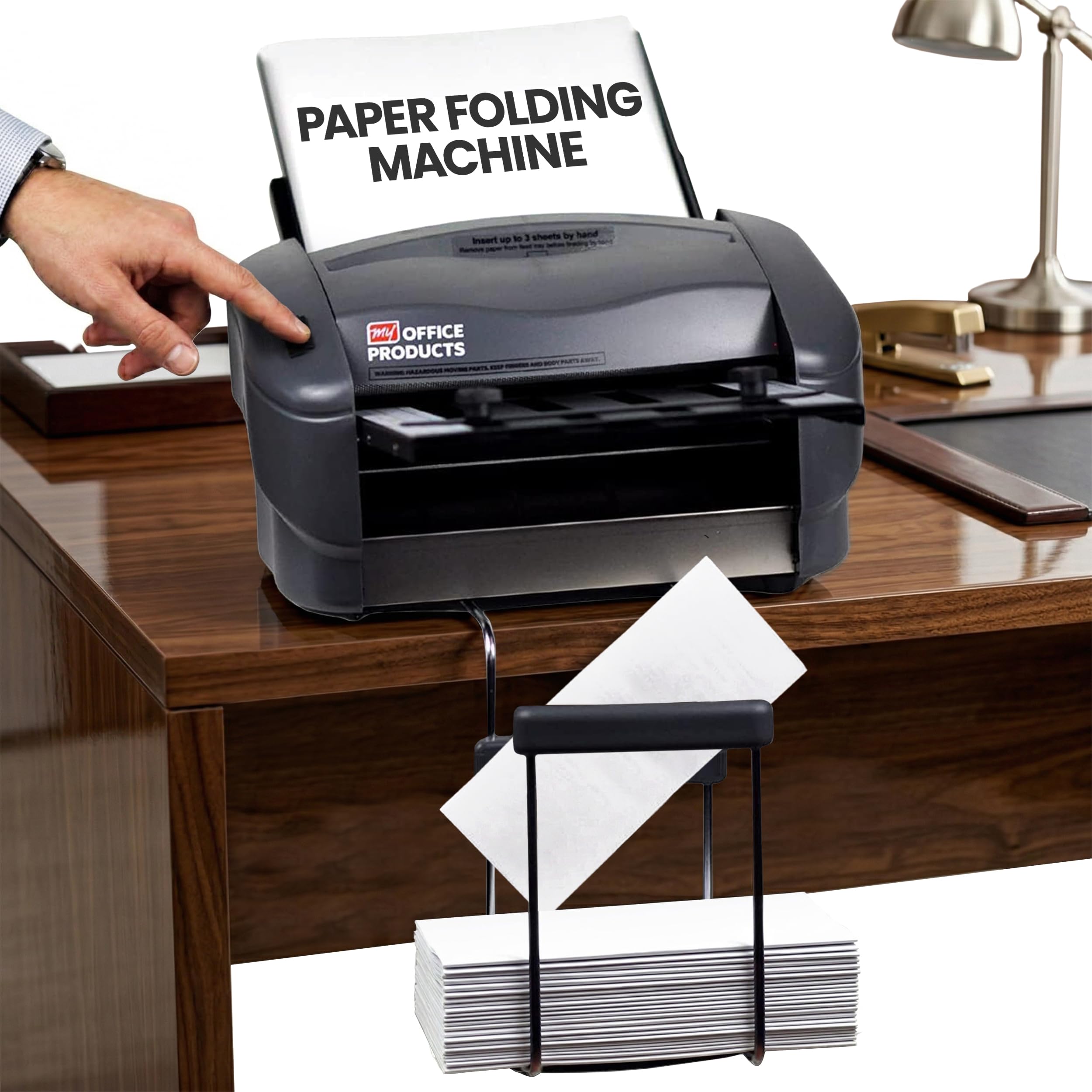
4. IDEAL 8306 Professional Office Folding Folder

4 Fold Types60-115 g/m² Paper

Small enough to tuck on a counter, built for A4 and 12-inch sheets.

At 15 kg and a footprint of roughly 16.6 x 18.2 inches, the IDEAL 8306 is the one you can keep near your desk rather than in a corner. Its feed table takes 150 sheets — the same capacity as the 1501X, and three times what the P7500 holds at 50 sheets. The paper weight window is a clear 60 to 115 g/m² (grams per square meter — a metric paper-weight measure), which covers everyday A4 office stock (A4 is 210 x 297 mm, the standard European letter size).

Four fold types — rolled fold, Z fold, double fold, and single fold — set up with symbols and color coding. Switching patterns becomes a matter of matching the marks rather than reading a manual. The strap-style output catches folded documents as they exit — a nice touch that reduces the shuffle you get on machines with a bare tray.

Owners who run it heavily tend to be satisfied with the finish and speed. One Italian-language review reported folding 50 sheets in 25 seconds, matching the stated pace. The recurring annoyance is jams after extended use, paired with the observation that replacement parts and clear maintenance instructions are hard to come by. Occasional jamming on a fresh unit is reported, but a replacement typically resolves it.

Its real strength: a tidy, adjustable machine for A4 and 12-inch documents that keeps standard office paper flowing without special setup.

Keep in mind: it is a precise instrument for standard weights — the paper window is narrower than the 1611’s, so heavy cardstock is not the job for it.

Made for you if: you fold standard-weight A4 documents in quantity and want a compact unit with clear fold-type switching.

Better to avoid if: your paper runs heavy or you need guaranteed parts supply.

Best for Small Mailrooms

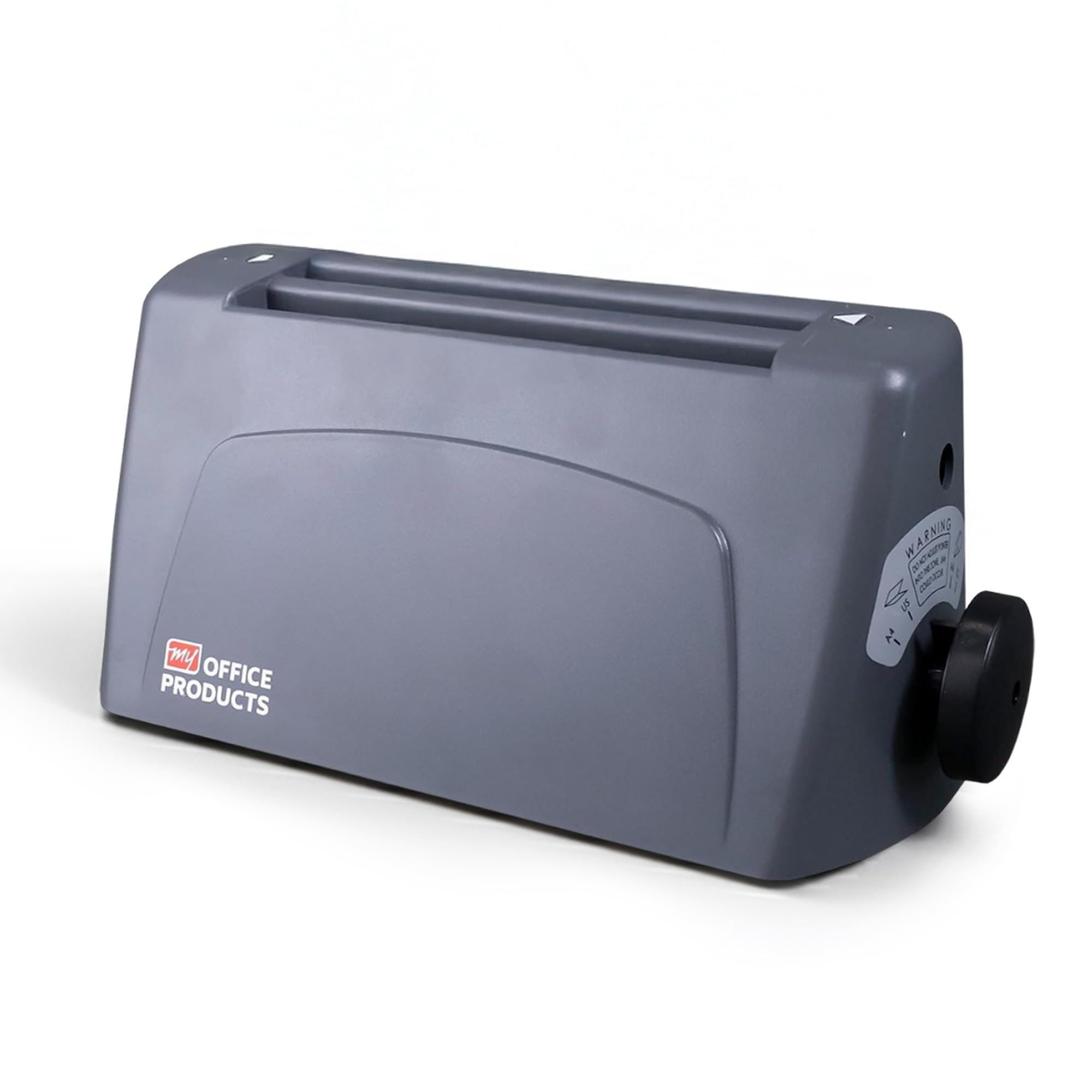
5. Martin Yale P7500 Paper Folding Machine

Automatic Feed4,000 Sheets Per Hour

The small-mailroom workhorse that trades capacity for an easy setup.

Setting this machine up takes about five minutes, and that is the P7500’s pitch. It folds 4,000 sheets per hour automatically, more than double the P6500’s 1,800. The feed tray holds 50 sheets while the stacking tray collects your finished folds. Sheet handling covers letter, half, Z-fold, and double-parallel, and the accepted range takes both 8.5 x 11 and 8.5 x 14 at 20lb bond (20-pound bond — standard office paper).

The operation is simple enough that anyone on staff can run it without training. It lands squarely in a small corporate office, mail room, or church context where the folding load is a few thousand pieces at a time rather than tens of thousands.

The trade-offs are the tray and the fold precision. The catch basket has a habit of letting finished sheets flip and shift as they exit, so one owner notes the papers have to be hand-directed. Fold accuracy is close but not perfect — half-folds can land with a slight overhang even after careful guide setup. And a heavier piece of paper than the machine expects is where jams start. Owners mailing roughly 3,000 notices call it a must-have they wish they had bought sooner.

Reasons it wins people over

  • Automatic feed means load the stack and walk away — no hand-feeding single sheets
  • Assembles in about five minutes and runs without operator training
  • Compact footprint keeps it at the workstation instead of a production room
  • Handles 8.5 x 11 and 8.5 x 14 at 20lb bond

The honest limitations

  • 50-sheet feed tray needs reloading often on long runs
  • Catch basket does not always catch neatly — output may need re-aligning by hand
  • Heavier stock or an overloaded tray is where jams and folds land slightly off

Great fit for: a small business, church, or office folding a few thousand letters at a time who wants automatic feeding without a production-room machine.

Look past it if: you need high-wattage throughput or factory-perfect fold alignment, in which case the 1217A or the 1501X will serve you better.

A desktop letter folder for small runs where the budget rule is strict.

The P6500 folds 8.5 x 11 paper into tri-fold or half-fold at up to 1,800 sheets per hour, the slowest rate here. It is manual-feed, so each sheet or stapled set goes in by hand. The compact desktop frame (14.25 x 6.75 x 7 inches) tucks onto a small desk or mail counter where the big machines will not.

For a light-use desk — a sole proprietor running a handful of invoices, a school office folding a small bulletin run — that hand-fed operation is manageable. Straight, careful feeding gives clean folds, and the unit handles both half letter and tri-fold formats plus envelope-stuffing prep. It also folds stapled sets, though you feed them yourself.

The reliability story is the honest part of this pick. Owner feedback is split: some describe perfectly clean folds for months of use, while others report the machine malfunctioning not long after it arrives. Poor quality control shows up on a minority of units, and the folding performance itself draws mixed marks. Buy this one as a light load machine with realistic expectations, not a daily production tool.

What you get: a compact, low-capacity folder at the most accessible end of the range, ideal for small offices and one-at-a-time jobs.

Straight talk: the low speed and manual feed mean a large run will feel slow, and the minority reliability complaints make it a fit for light, not heavy, use.

Right for you if: your folding volumes are small and occasional, and a compact hand-fed unit at the lowest cost is the priority.

skip it if: you fold hundreds of pages a day — the speed and manual feed will exhaust you.

Understanding the Specs

Sheets per hour, and why it is not the same as how fast it feels

This is the machine’s running speed — how many finished folds it produces in an hour of continuous running. It matters because folding by hand caps out at a few hundred an hour, so even the slowest automatic folder here more than doubles your output. The catch: this number assumes straight feeding and no reload pauses. Treat it as a ceiling, not a promise.

Feed capacity and what it saves you

Feed capacity is the number of sheets you can stack in the tray and leave the machine to pull from. A larger tray means fewer interruptions: a 250-sheet tray keeps running while you work, while a 50-sheet tray has you reloading more often. If your workflow runs in the background, higher capacity is worth more than raw speed.

Paper weight, in g/m² and bond points

Paper weight measures how stiff the stock is. Standard office paper is around 20lb bond (20-pound bond) or roughly 75 g/m² (grams per square meter, a metric paper-weight measure). Heavier cardstock can jam or fold unevenly on a machine tuned for everyday paper. Folders usually state the range they accept, so match your heaviest regular paper to the machine’s top end before buying.

Fold types and the crease they produce

Fold types are the patterns the machine can produce — letter fold for mailings, half fold for invitations, Z-fold for inserts, and so on. More fold types means more jobs covered. But a machine with fewer well-tuned patterns often beats one with many that need constant adjustment. Match the fold types to what you actually print.

FAQ

Can an automatic paper folder handle stapled documents?
Only through a manual bypass, and only on machines built for it. The Martin Yale 1501X folds stapled sets of up to 3 sheets, and the Martin Yale 1217A takes stapled sets of up to five paper sheets. Ordinary automatic feeders cannot touch staples. If booklets are part of your workflow, check the bypass capacity first.
What paper weight can these folders handle?
It varies more than you would expect, so match the number to your paper. The Martin Yale 1611 runs from 16lb bond (16-pound paper) up to 70lb index (stiff 70-pound card-like stock), the Formax FD 300 tops out at 30# (112gsm — grams per square meter, a metric paper-weight measure), and the IDEAL 8306 accepts 60 to 115 g/m². Heavy cardstock is where most jams start — if you regularly fold stiff stock, choose a machine with a high top end.
How many sheets can the feed tray hold before I need to reload?
It depends on the model, and it changes how hands-off the job feels. The Martin Yale 1217A holds 250 sheets, the Formax FD 300 and IDEAL 8306 hold 150, the Martin Yale P7500 holds 50, and the Martin Yale P6500 is hand-fed one sheet at a time. Bigger trays mean fewer interruptions.
Is a manual feed folder worse than an automatic feed folder?
Not worse — different. Manual feed lets you fold stapled sets by hand-feeding them, which automatic feeders cannot do, and it tends to be smaller and cheaper. Automatic feed pulls sheets from the tray by itself, so you can start a run and step away. Pick manual if you have staples and small volumes; automatic if you want hands-off throughput.
Why do folded letters sometimes come out uneven or off-center?
The most common cause is a crooked feed or a slipping sheet during the fold. Glossy stock slides more easily and can skew the fold, and heavy paper can resist the rollers and crease unevenly. Straight, square paper stacks and clean rollers prevent most of it — fold alignment also depends on the fold plate settings being dialed in first.
What is the difference between a letter fold and a Z-fold?
A letter fold brings both outer panels inward to tuck into an envelope, giving the classic three-panel mailing piece. A Z-fold creases the sheet back and forth in a zigzag, so one panel faces forward and the next faces back. Both are standard options on the folder models here, and both need a different plate or guide setting.
Can these folders handle 8.5 x 14 paper as well as letter size?
Some can and some cannot, so check before you buy. The Martin Yale 1501X, Formax FD 300, Martin Yale 1611, and Martin Yale 1217A all take 8.5 x 14 sheets. The Martin Yale P7500 handles 8.5 x 11 and 8.5 x 14 at 20lb bond. The IDEAL 8306 is set up for A4 and 12-inch formats, and the P6500 is geared to letter-size paper.
How much space does an automatic paper folder need?
Footprints vary widely. The Martin Yale P6500 is a desktop unit at 14.25 x 6.75 x 7 inches, easy to keep on a counter. The larger machines take up real estate — the Martin Yale 1501X measures 15 x 24 x 16 inches and the 1217A runs 42 x 17.5 x 17 inches. Measure your intended surface before committing.
Do automatic paper folders need much maintenance?
Less than they used to, but not zero. Keeping the folding rollers clean is the routine job — the more paper dust builds up, the more likely a sheet slips and jams. Some models add self-adjusting parts that cut down on setup fiddling, like the Martin Yale 1611’s self-adjusting retarder (a roller that holds back extra sheets so only one feeds) and its removable fold tables, which make roller access easy.
Which fold type is best for mailing a standard business letter?
The letter fold is the standard for mailing a business letter. It brings the bottom third up and the top third down, so the sheet fits a standard envelope with the folded edge leading. It is a standard option on the Martin Yale 1501X, Formax FD 300, IDEAL 8306, Martin Yale P7500, and Martin Yale 1217A.

Final Thoughts: The Verdict

If you want one dependable pick, the automatic paper folder winner is the Martin Yale 1501X because it pairs 7,500-sheets-per-hour speed with the manual bypass that folds stapled booklets up to 3 sheets — a combination no other pick here matches, and the reason it holds the top spot. If output stacking and a neat running order matter more than staple handling, the Formax FD 300 with its adjustable output conveyor is the sharper choice. And for a small mailroom that wants automatic feeding on a modest footprint, the Martin Yale P7500 assembles in minutes and folds 4,000 sheets an hour without operator training.

How We Picked

We do not accept paid placement. Every pick is matched to a real buyer and a real use-case; we do not hands-on test units.

Sources & Methodology

Specifications: manufacturer listings and product documentation. Review insights: verified customer reviews, as of September 2026. Pricing: not shown on this page (it changes often); check the current price via the retailer link.

As an Amazon Associate, KitchPrep earns from qualifying purchases. This does not affect which products we feature.

Related Guides

Please use a real email you check. If it's fake or mistyped, your message won't reach us and we can't reply — wrong addresses are rejected automatically.

Mo Maruf

Mo Maruf

Founder

I am a dedicated home cook and appliance enthusiast. I spend hours in my kitchen testing real-world storage methods, reheating techniques, and kitchen gear performance. My goal is to provide you with safe, tested advice to help you run a more efficient kitchen.