
Specs are compiled from manufacturer listings and verified buyer reviews and can change over time — please confirm the key details on the product page before buying.
The right 3-monitor stand keeps your screens rock-solid or lets them sag—so choose based on fit and weight capacity. Before buying, check three numbers: your monitor’s VESA pattern, its weight, and your desk’s edge thickness.
I’m Mohammad Maruf — the founder and writer behind KitchPrep. This guide is built by comparing the manufacturers’ published specifications and the patterns across verified customer reviews, so you get each pick’s real strengths and trade-offs instead of marketing spin.
Find the right fit for your desk and screens with this breakdown of the best 3-monitor stand options, from heavy-duty clamps to free-standing bases.
Our Picks at a Glance


How To Choose The Best 3-Monitor Stand
A triple mount fails if it doesn’t fit your monitors or your desk. Start by flipping each screen over to find the four screw holes on the back — that is your VESA pattern, almost always 75x75mm or 100x100mm.
Weight capacity and monitor size
Exceeding the per-arm weight limit makes your screen tilt down, no matter how tight you bolt it. Check the spec sheet weight of your heaviest monitor and make sure it is under the mount’s per-arm rating. Screen size alone is a poor guide — a light 27-inch office panel can weigh far less than a heavy 27-inch gaming model, so the pound rating matters more than the inch number.
Clamp, grommet, or free-standing
A C-clamp grips the back edge of your desk, so you need a flat edge with the thickness the mount specifies. A grommet mount drops through a pre-drilled hole in the desk surface — the right pick if your desk has a thick lip or a metal frame that blocks a clamp. A free-standing base sits on the desktop itself, which suits desks with no usable edge, at the cost of eating into your usable surface area.
Quick Comparison
| Model | Best For | Max Screen Size | Max Weight per Arm | Max Tilt Angle | Amazon |
|---|---|---|---|---|---|
| ErGear Triple Mount★ Best Overall | Best Overall / Daily work | 27 inches | 17.6 lbs | 45 degrees | Amazon |
| MOUNTUP Triple MountTop Performer | Best for 27-inch setups | 27 inches | 19.8 lbs | 90 degrees | Amazon |
| WALI Free-StandingSmart Value Pick | No-clamp desk setups | 27 inches | 22 lbs | 90 degrees | Amazon |
| ErgoFocus Desk Mount | Best for 32-inch screens | 32 inches | 19.8 lbs | 90 degrees | Amazon |
| MOUNT PRO Triple Mount | Large curved displays | 32 inches | 19.8 lbs | 90 degrees | Amazon |
| UPGRAVITY Triple Stand | Heaviest monitors | 32 inches | 30.9 lbs | 90 degrees | Amazon |
| HUANUO Triple Mount | Clean-cable gaming rigs | 27 inches | 19.8 lbs | 45 degrees | Amazon |
| PUTORSEN Triple Mount | Wide side-by-side spreads | 32 inches | 22 lbs | 35 degrees | Amazon |
In‑Depth Reviews
1. ErGear Triple Monitor Mount for 13-30 inch Screens
Our pick — 4.5★ from 900+ verified ratings; the strongest balance of quality and price.
The triple mount that owners describe as sturdy, easy to set up, and surprisingly affordable.
This mount supports three 13″ to 30″ monitors, each up to 17.6 lbs. For most home and office setups, that means three standard 27-inch panels without worry. The VESA patterns of 75x75mm or 100x100mm cover virtually all modern displays, so check the back of your screens and you are likely good to go. The steel frame is tested through 20,000 lift cycles, so it stays rigid under three 27-inch panels.
What wins people over is how straightforward the whole thing feels. The tilt is ±45° to cut glare, the arms swivel ±90°, and you can rotate 360° between portrait and landscape. Assembly is genuinely approachable—you can use either a C-clamp or grommet mount on desks 0.39″ to 3.15″ thick, with labeled hardware and clear instructions. Buyers report it works perfectly with three 27″ MSI Curved Monitors, and cables route through built-in channels to keep your desk looking clean.
One honest note: the adjustability is good but not unlimited, and a few owners mention the tilt takes a bit of getting used to. That is a minor learning curve, not a flaw. As owners mention: “Really impressed with the ErGear Triple Monitor Mount.”
What owners love
- Easy, clear installation
- Sturdy enough for three 27″ panels
- Good value for the price
Keep in mind
- Tilt takes some adjustment to master
- Not built for monitors over 30 inches
Reach for it if: you want a dependable, budget-friendly mount for a standard three-27-inch workspace and you value easy setup.
Think twice if: you plan to run screens larger than 30 inches, since the max is 27 inches per the manufacturer.
2. MOUNTUP Triple Monitor Mount for Max 27 inch Screens
Gas-spring arms that feel premium and hold three 27-inch screens without drama.
MOUNTUP’s defining trait is its range of motion — the arms tilt ±90°, swivel ±90°, and rotate a full 360°. That extra tilt range beats the ErGear above, whose max is 45 degrees, so if you want more flexibility for portrait or glare adjustments, this is the move. The gas spring arms hold between 4.4 and 19.8 lbs each, which comfortably covers three 27-inch panels.
Buyers consistently praise the smooth movement of the arms and how easy the assembly is, with quick-release VESA plates that snap into place. A common theme in reviews is that the gas spring arms move fluidly and hold three 27-inch monitors without issues, saving significant desk space. The standing pole design lifts screens off your desk, and integrated cable management keeps wires tucked in neatly.
One fair trade-off: a few owners note the arms can be challenging for small, precise movements, and the center screen has height adjustment while the side arms handle extension. Customers note it is “very sturdy and easy to set up.”
Standout strengths
- Full 90° tilt and 360° rotation
- Gas springs move smoothly
- Fits desks 0.39″-3.15″ thick
Watch out for
- Fine adjustments take practice
- Best suited to monitors up to 27″
Best for: buyers who want easy gas-spring motion and a wide tilt range for three 27-inch screens.
Not ideal if: you need to fine-tune positions frequently, as small movements feel less fluid.
3. WALI Triple Monitor Stand, Free-Standing
The free-stander with the strongest arms of the bunch — a 22 lbs rating per screen.
WALI’s free-standing design solves the biggest desk problem: no usable edge to clamp onto. It sits on your desktop on an attractive glass base, and since the arms only swivel forward, the risk of tipping is reduced. That base is wide enough to double as a shelf, which buyers particularly like when comparing it to V-shaped rivals that waste that footprint.
The headline spec is the 22 lbs per-arm capacity — that beats the ErGear’s 17.6 lbs by a meaningful margin, so it is the safer pick for hefty monitors. It fits most LCD and LED screens up to 27 inches with 75x75mm or 100x100mm VESA holes. The mounting plates slide left and right on each arm, which makes aligning monitors of different sizes side-by-side noticeably easier.
An occasional owner finds the arms can lean forward slightly and the manual reads like a translation, though most call assembly easy and the base solid. Reviewers point out it holds monitors perfectly with no balance issues.
Solid base: The free-standing glass foot holds firm and frees up desk edges entirely, with a wider stance than V-shaped mounts.
Heavy lifter: At 22 lbs per arm it out-specs the ErGear at 17.6 lbs, so heavier screens sit more comfortably here.
Choose it if: your desk has no open edge for a clamp and you need the highest weight tolerance of the free-standers.
skip it if: you want an articulating arm that pulls screens toward you — this design swivels forward only.
4. ErgoFocus Triple Monitor Desk Mount for up to 32″
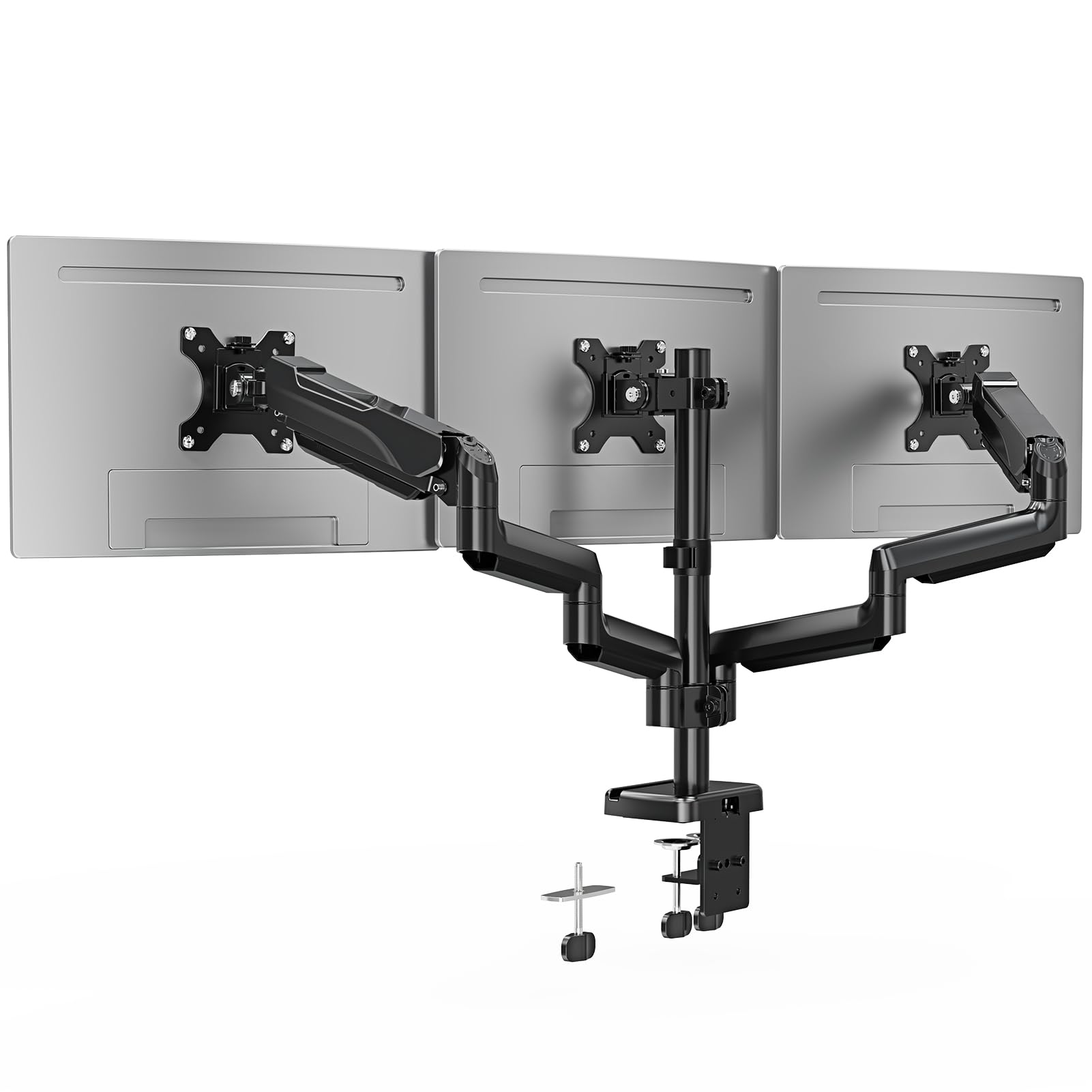
A heavy-duty mount that holds 32-inch screens without sag — a rarity at this size.
Most triple mounts top out at 27 inches, but ErgoFocus stretches to 32 inches per screen. Each arm holds up to 19.8 lbs, which comfortably covers large curved and flat panels. This is the pick for buyers with bigger monitors who still want a single, unified stand instead of three separate ones.
The range of motion is generous: screens rotate 360° for portrait or landscape, swivel 180°, and tilt up to 90° or down 90°. The two side arms extend, retract, and adjust height dynamically, so you can dial in an optimal viewing angle. With a 3-year warranty and dual mounting options — C-clamp for desks 0.39″-3.15″ thick, grommet for 0.39″-1.97″ — it covers most workspaces.
Shoppers say monitors never fall or become uneven, and there is no sagging even with 32-inch panels. The trade-off is that a mount of this reach simply takes longer to dial in perfectly than a compact 27-inch unit.
No sag: Even at 32 inches, screens stay level and steady — the recurring praise across owner reviews.
Flexible fit: With tilt up to 90°/down 90° and 360° rotation, portrait and landscape setups are both easy.
Take it if: you run 32-inch monitors and want a sturdy, no-sag triple mount backed by a 3-year warranty.
Look elsewhere if: your screens are small — a 13-inch minimum means this heavy-duty unit is overkill for tiny panels.
5. MOUNT PRO Triple Monitor Mount for Max 32″ Screens

Aluminum gas-spring arms that shrug off rust and hold a wide 32-inch spread.
MOUNT PRO stands apart with its high-quality aluminum construction, chosen over iron for stronger corrosion resistance so it will not rust over time. The arms hold 4.4-19.8 lbs each and fit screens from 13 up to 32 inches, with the standard 75x75mm and 100x100mm VESA patterns. That broad range makes it a genuinely versatile pick for mixed monitor setups.
The gas spring arms give full motion — 360° rotation, 180° swivel, and 90° tilt up or down — so you can position everything from portrait coding screens to a wide landscape spread. The side arms extend, retract, and adjust height dynamically. Buyers report it works with three 27-inch curved monitors after some tension adjustment, and some run four screens without issue.
A valid caveat: assembly is time-consuming and the springs need tension tuning for your specific monitors. The maker suggests a reinforcement plate if your desktop is thin or your monitors are heavy, to spread the pressure and avoid desk damage.
Rust-resistant: The aluminum body stands up to humid environments better than iron alternatives.
Wide reach: You can mount screens from 13″ up to 32″, so it fits nearly any monitor size you already own.
Best suited to: owners mixing monitor sizes and wanting a rust-proof gas-spring arm for up to 32-inch screens.
Be patient: tension tuning and a longer assembly take some time, and thin desktops may need a reinforcement plate.
6. UPGRAVITY Triple Monitor Stand with Heavy Duty C-Clamp Base
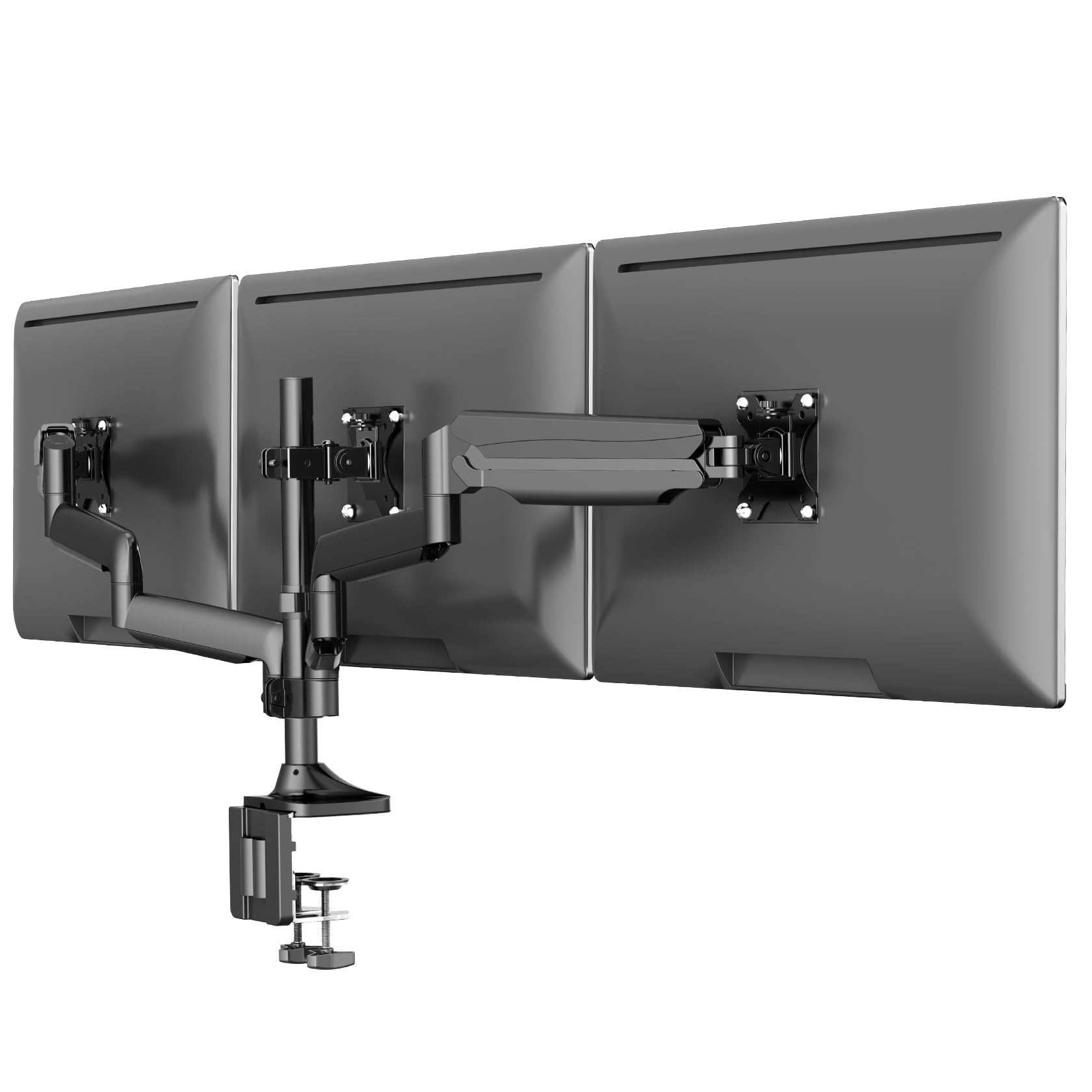
The double-clamp beast rated for 30.9 lbs per arm — built for your largest panels.
UPGRAVITY is the heavy lifter of this list. Each arm carries up to 30.9 lbs, far above the 17.6-19.8 lbs of most rivals, and a durable double C-clamp distributes that weight evenly to reduce wobble and sag. If you run big, heavy monitors, this is the stand engineered for that load. The steel and gas-spring system passed 25,000 stress tests, so it holds heavy panels without sag.
It fits screens from 17 to 32 inches with 75x75mm or 100x100mm VESA holes, and the full-motion compression arms support tilt, swivel, rotation, and height adjustment. A 3-year warranty covers your purchase. Owners mention it pairs beautifully with heavy setups — one runs it on a Secretlab Magnus Pro XL sit-stand desk — with straightforward assembly taking roughly 30-45 minutes. Integrated cable management hides wires and includes storage slots for the Allen wrenches.
The honest sizing note: owners say it barely fits two 32-inch monitors at full stretch, so three 32-inch screens side-by-side is not realistic. It shines with a 32-inch center and 27-inch sides.
Serious capacity: At 30.9 lbs per arm it crests every other mount here, holding big curved panels without sag.
Shake-resistant: The dual-clamp base spreads weight better than a single clamp on a standing desk.
Buy it if: your monitors are heavy and you want maximum per-arm capacity plus a rock-solid double clamp.
Size check: three 32-inch screens side-by-side will not fit — plan for a 32-inch center with 27-inch sides.
7. HUANUO Triple Monitor Mount for 13-27 inch Screens
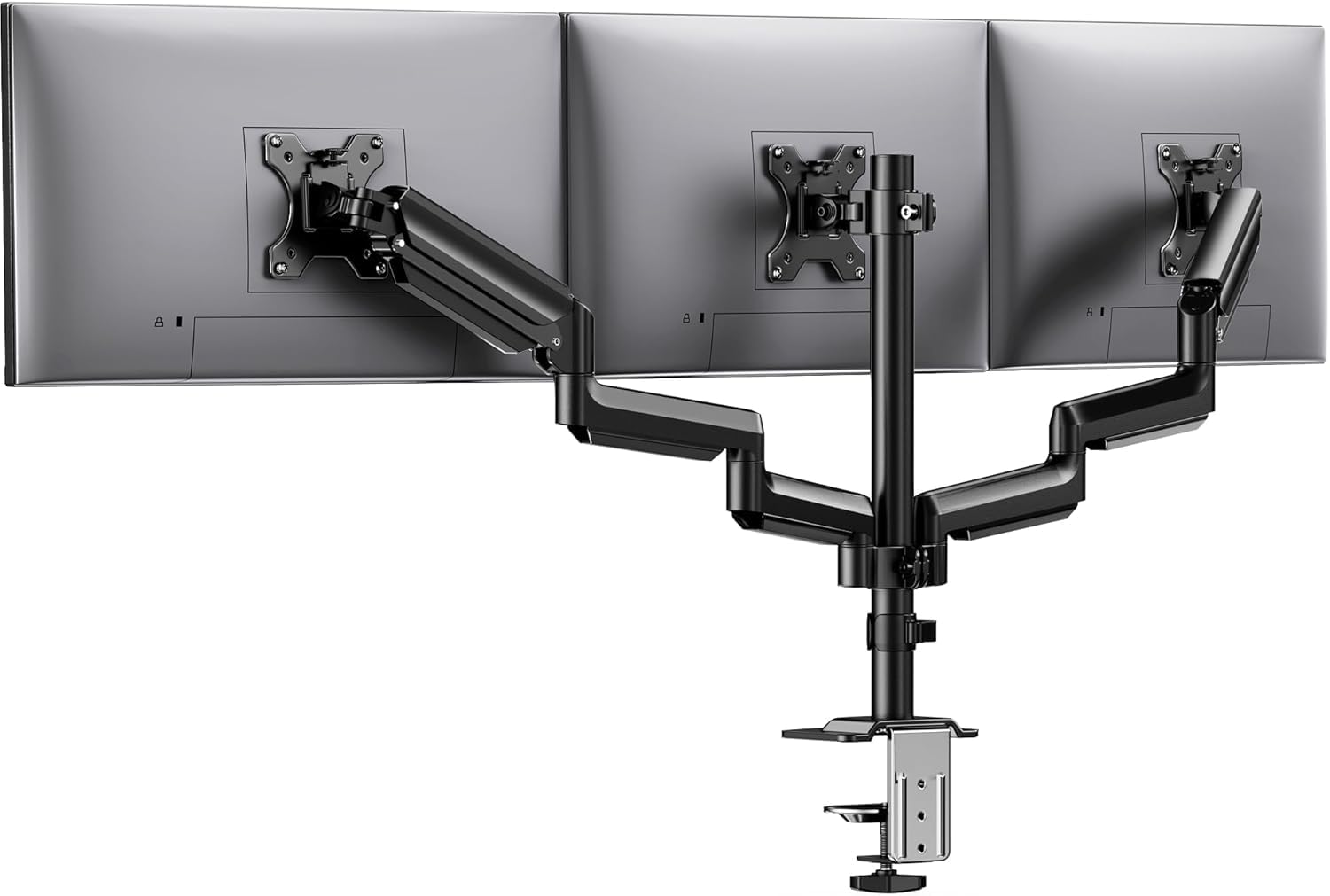
Aerospace-grade aluminum arms with a 12.2-inch height range for precise eye-level tuning.
HUANUO targets buyers who obsess over alignment. The standout spec is the 12.2-inch height adjustment, letting you raise or lower all three screens together to hit true eye level. The aluminum arms, tested for 20,000 lift cycles, hold 19.8 lbs per screen without drooping.
The motion package — 360° rotation, ±90° swivel, and ±45° tilt — covers landscape, portrait, and everything between. Buyers with strong opinions about monitor alignment report that lining screens up is easy with this setup, and the built-in cable clips and covers keep everything tidy. It fits monitors up to 27 inches with 75x75mm or 100x100mm VESA patterns, on desks 0.39″ to 3.15″ thick.
The one recurring theme is that stability is excellent while adjusting gently, but a hard bump can make screens wobble if too much force is used. That is the trade-off for a lighter aluminum build — treat it with care during repositioning.
Alignment first: The 12.2-inch height travel and easy tilt-lock bolt make pixel-perfect screen leveling genuinely simple.
Neat cabling: Integrated clips and covers keep wires out of sight, which buyers frequently single out as a highlight.
Perfect for: detail-driven users who demand perfectly aligned monitors and a clean, cable-free desk.
Note: fast, forceful repositioning can make the screens wobble more than a steel-bodied mount.
8. PUTORSEN Triple Monitor Mount for 17-32” Screens
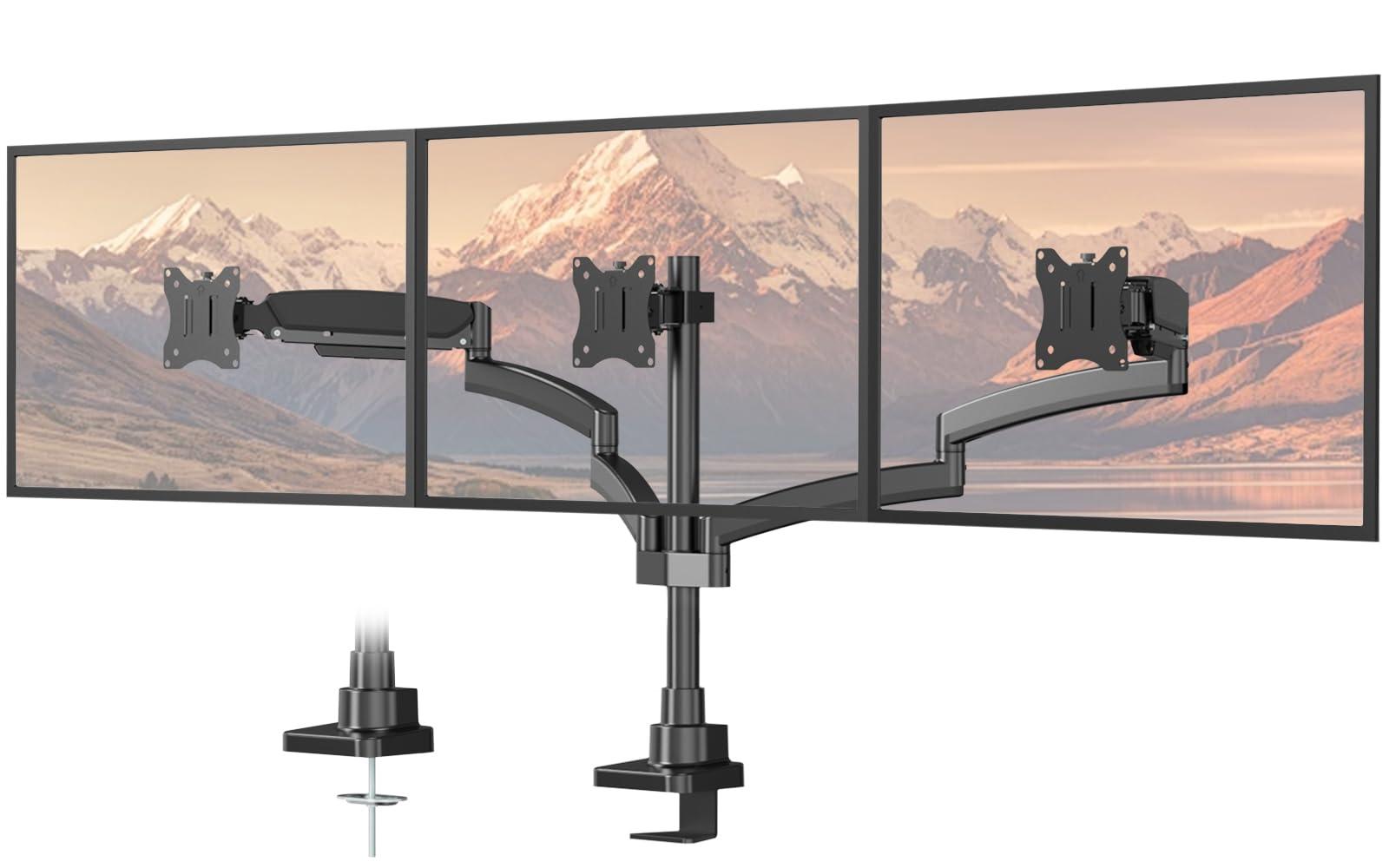
A side-by-side specialist whose arms stretch to a full 55.4-inch total spread.
PUTORSEN is designed for one thing done very well: a continuous horizontal spread of three monitors. The side arms extend to a total span of 55.4 inches, so measure your three screens’ combined width before buying. It holds monitors from 17 to 32 inches, each weighing between 4.4 and 22 lbs per arm, with the standard VESA 75×75mm or 100×100mm holes.
This stand suits gaming, trading, and stock-monitoring setups where a continuous wide view beats vertical flexibility. Each side arm swivels, tilts, and rotates on its own, so you can flip a screen to portrait or landscape. You can also tighten the tension for heavier monitors or loosen it for lighter ones. The iron build comes with a 2-year warranty, and customers note it eases neck strain by raising screens to eye level.
The limitation is the layout: it is built for side-by-side, not for a 34-inch ultrawide in the center with 27s in landscape beside it. One buyer successfully runs 34-inch panels vertically with the arms at full extension, but that is pushing the design’s intent.
Continuous view: The side arms reach a combined 55.4-inch span for an uninterrupted horizontal workflow.
Stable steel: Owners describe it as extremely stable, holding up well with three monitors and keeping screens aligned.
Grab it if: you need a clean side-by-side row of up to 32-inch monitors for trading or gaming.
Not for: ultrawide-center layouts — the arms reach out, not up, so a 34-inch middle screen limits side placement.
Understanding the Specs
VESA pattern
The four screw holes on the back of your monitor are its VESA pattern, almost always 75x75mm (the holes are 75mm apart) or 100x100mm. Every stand on this list fits both, so your real job is just confirming your screens actually have these holes. Some ultra-slim monitors lack them entirely and need an adapter plate.
Per-arm weight capacity
This rating decides if your screen stays put. Each arm is rated for a maximum weight, from 17.6 lbs on the ErGear up to 30.9 lbs on the UPGRAVITY. Check your monitor’s spec sheet weight and keep it under the rating — heavy panels will otherwise slowly tilt down no matter how tight you turn the bolts.
FAQ
Will a 3-monitor stand fit three different monitor sizes?
How do I know if my monitor is VESA compatible?
What is the difference between a C-clamp and a grommet mount?
Can a triple monitor stand hold a curved monitor?
My desk is a standing desk. Will a clamp mount stay stable?
Is a free-standing base or a clamp better for my setup?
How long does it take to install a triple monitor mount?
Can I rotate my monitors to portrait mode on any of these stands?
Final Thoughts: The Verdict
For most buyers, the ErGear Triple Mount is the pick: it assembles easily and holds three 27-inch screens with 17.6 lbs-per-arm support, and its strong owner rating backs that up. If you use larger 32-inch panels, choose the ErgoFocus to avoid sag, or pick the UPGRAVITY when your monitors are heavy enough to strain weaker mounts. If your desk has no edge to clamp, the WALI free-stander offers the highest per-arm rating among the no-clamp choices.
How We Picked
We do not accept paid placement. Every pick is matched to a real buyer and a real use-case; we do not hands-on test units.
Sources & Methodology
Specifications: manufacturer listings and product documentation. Review insights: verified customer reviews, as of September 2026. Pricing: not shown on this page (it changes often); check the current price via the retailer link.
As an Amazon Associate, KitchPrep earns from qualifying purchases. This does not affect which products we feature.
Related Guides
